Bring your own audio
Start from local m4a, mp3, wav, aiff, or flac files that you choose from your Mac.
Local singing practice for Mac
Import your own audio, separate vocals on-device, record multiple takes, align your voice, mix the final version, and export a private practice track.
Available now on the Mac App Store in supported regions. Core features are free, with no subscription.
02 Record and align
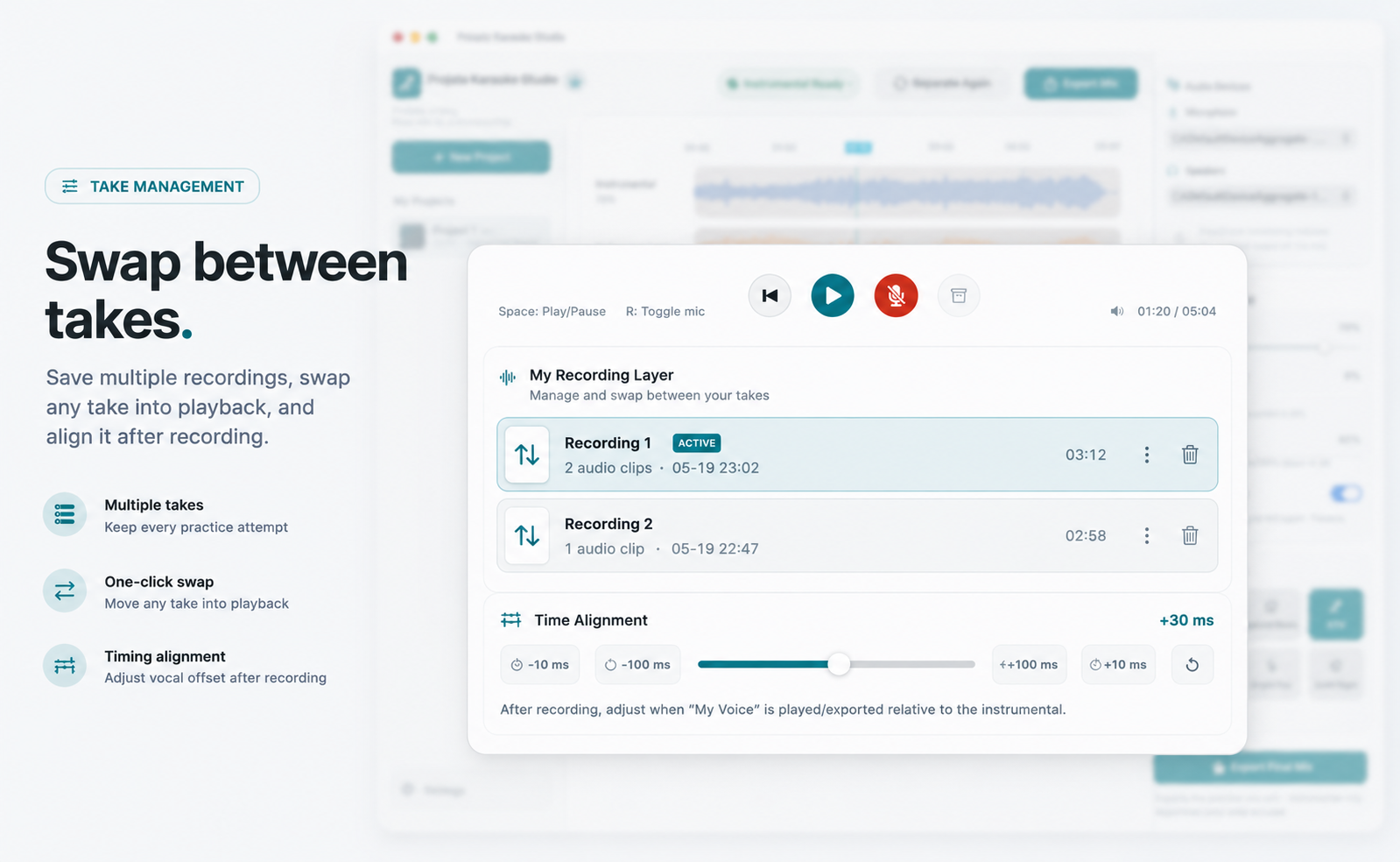
Practice rarely lands perfectly on the first try. Private Karaoke Studio lets you record multiple takes, choose the active take, and adjust timing after recording without throwing away earlier attempts.
03 Mix and export
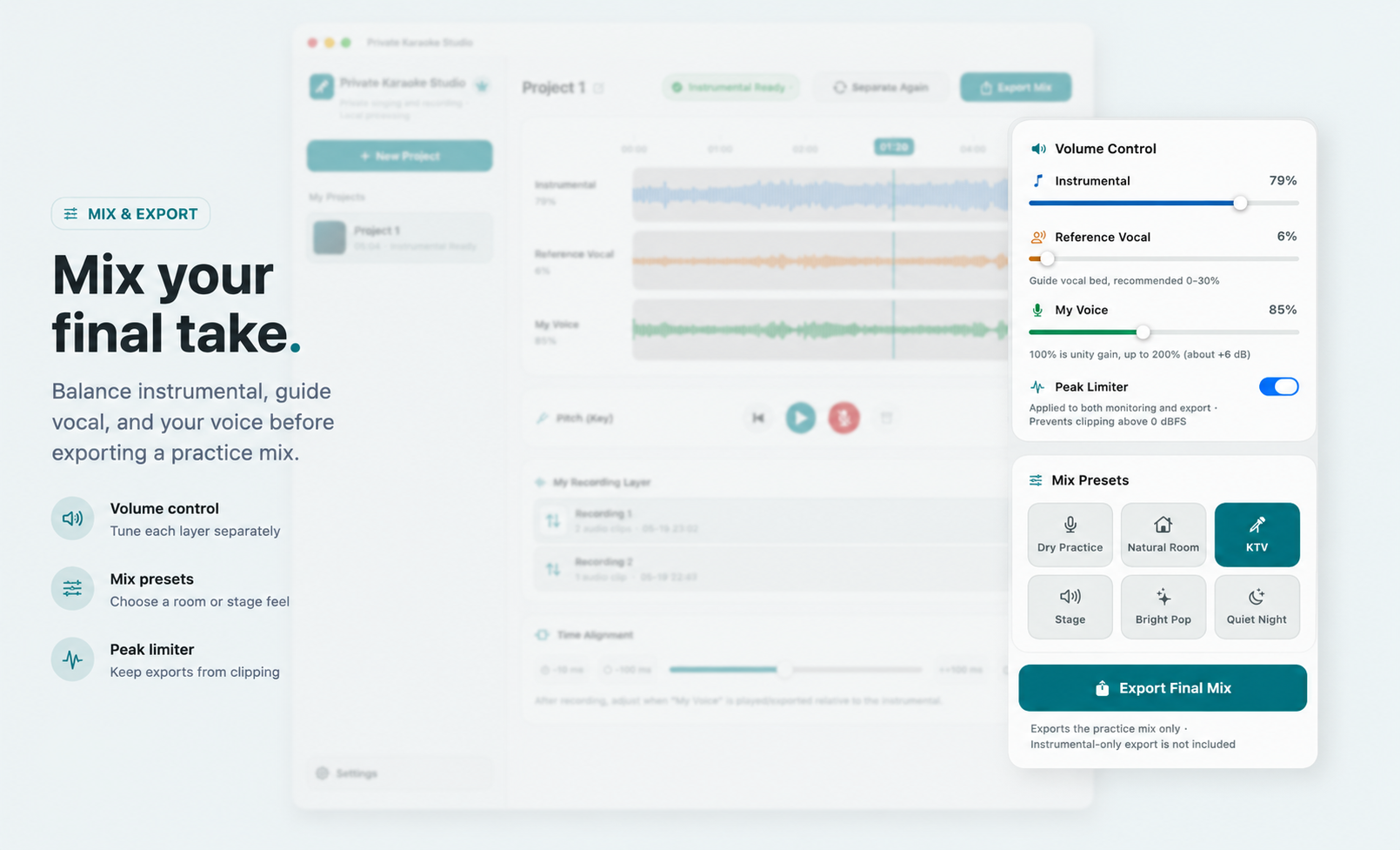
Balance the instrumental, quiet reference vocal, and your own recording. Choose a mix preset, avoid clipping, then export the final version for private review or continued practice.
After the three core steps, the app stays focused on what a singer needs in one private session: import, separate, transpose, record, align, mix, and export.
Start from local m4a, mp3, wav, aiff, or flac files that you choose from your Mac.
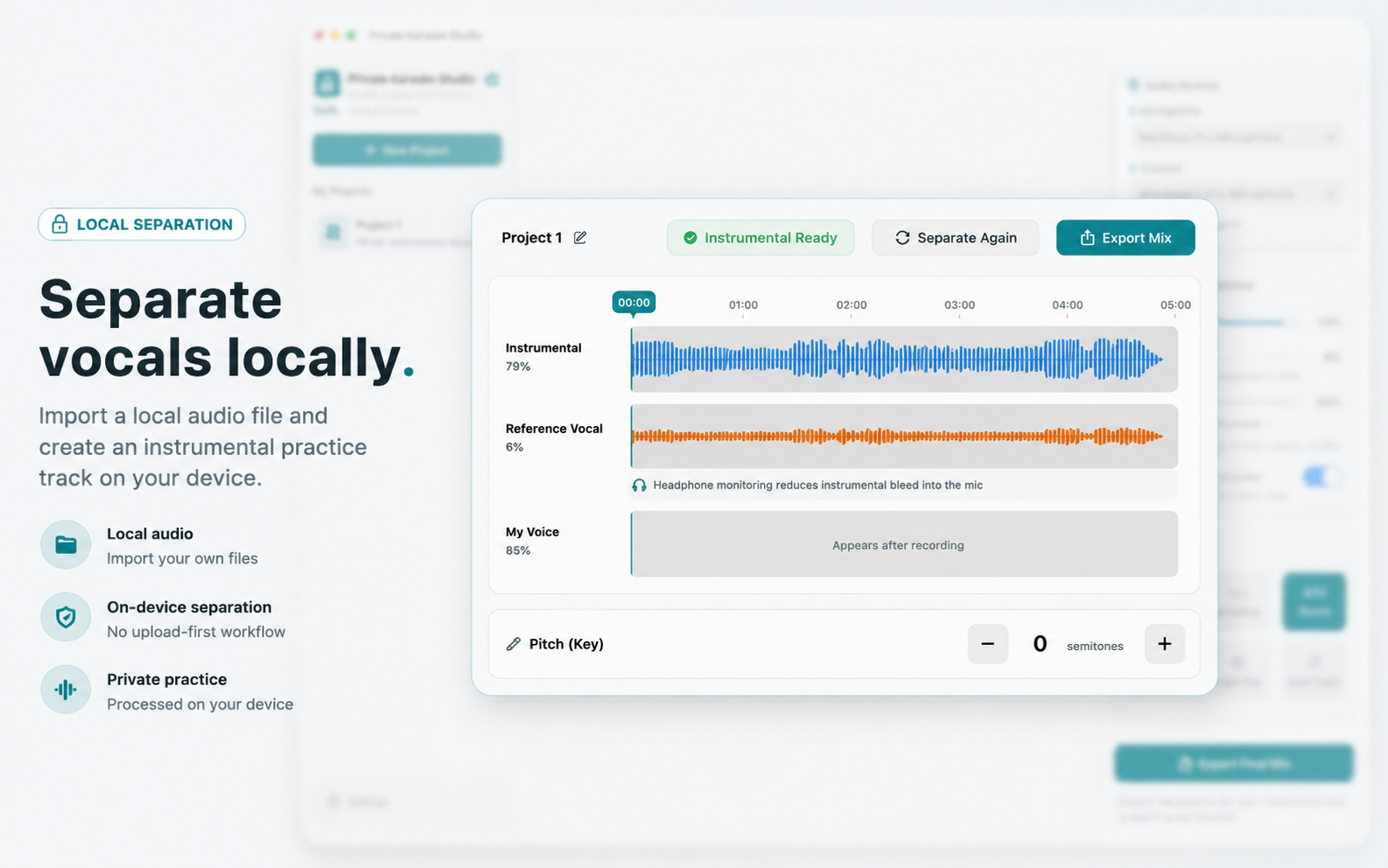
Create an instrumental practice layer and keep a quiet reference vocal without uploading your audio.
Move the song up or down before recording so the practice track sits closer to your range.
Keep every attempt, swap the active take, and compare versions without losing earlier recordings.
Adjust when your voice plays relative to the instrumental so the take lands with the track.
Balance instrumental, reference vocal, and your voice, then export the final singing-practice version.
Local-first by design
Private Karaoke Studio has no account system, no advertising SDK, no analytics SDK, and no upload-first processing flow in the current version.
No. You import audio files you already have. The app does not search, stream, download, or provide songs.
No. The current version does not upload microphone input, recordings, imported songs, stems, or exported files to our servers.
No. Exports are limited to the final practice mix with your recording and selected mix settings.
Private Karaoke Studio is designed for Apple Silicon Macs running macOS 14 or later.
For support or release questions, contact support [at] yixiao [dot] uk.